Routines, groceries, packing, the things you mean to get done this month. Write a list, fill it with lines, tick them off as you go.


iPhone · Android
A morning routine. The grocery shopping. What to pack. The todos for this month, and the ones for this year. What they have in common is that a list is a handful of lines you tick off — not a project plan. There are no due dates, no priorities, no assignees and no sub-tasks, because a shopping list never wanted any of them.
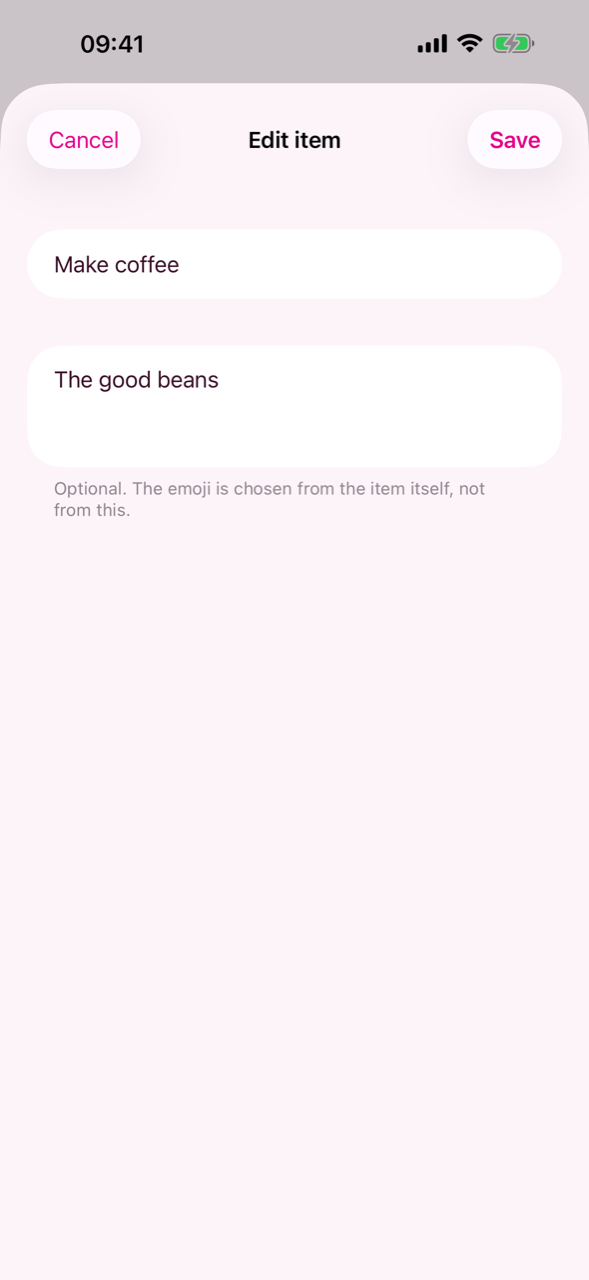
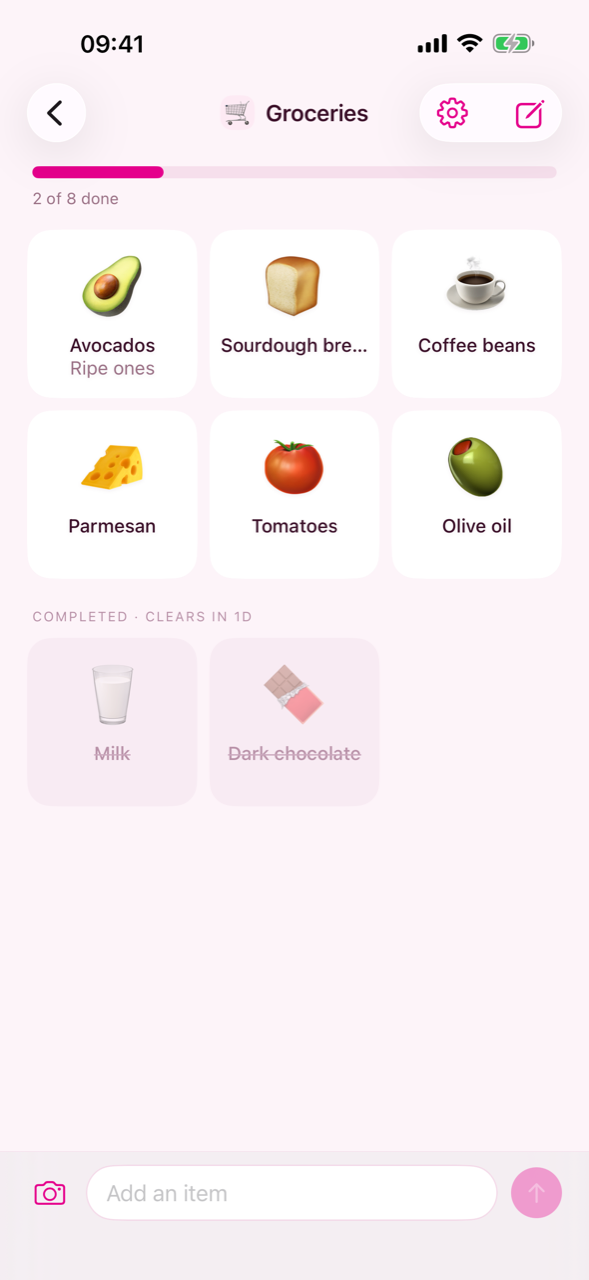
Tap an item to tick it off, and tap it again if you change your mind. Completed items sink to the bottom, greyed out and struck through. Swipe one to the right to edit it, to the left to delete it, and press and hold to pick it up and drag it somewhere else. That is the whole of it.
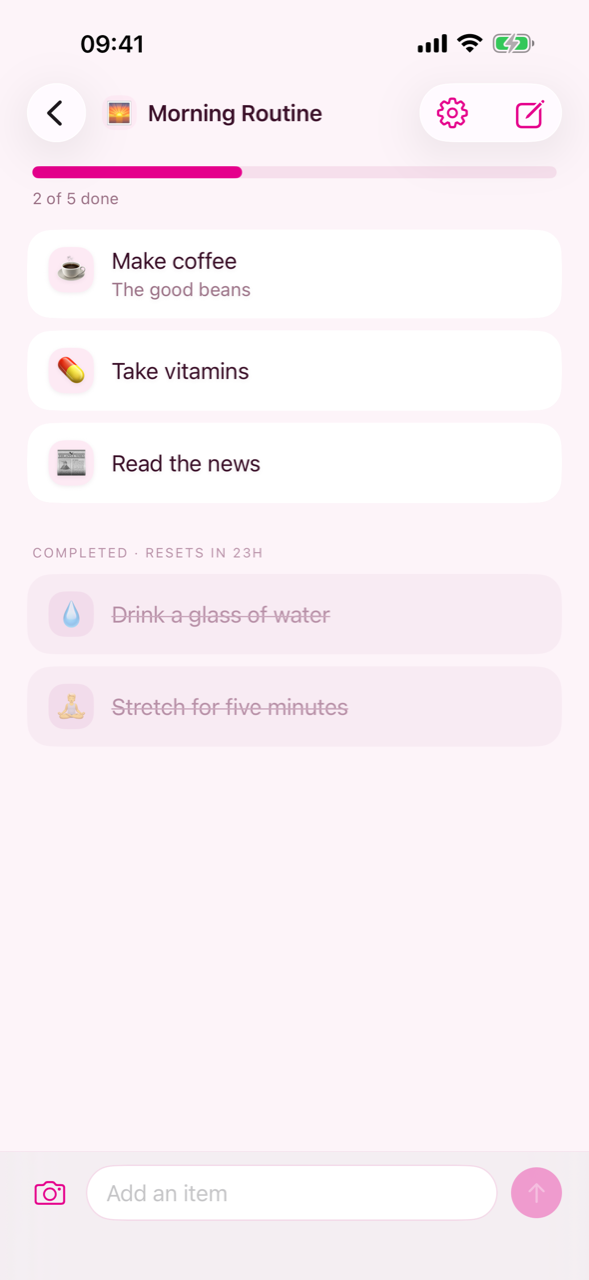
Adding an item is one line of typing. As you type, Daitoo offers back the phrases you have written before — the ones you use most first — and tapping one writes the item there and then, rather than filling the field in for you to send.
Every item gets an emoji picked for it automatically, so a list can be read at a glance. There is no emoji picker in Daitoo at all. A phrase your device already knows never leaves it; only wording it has not seen before is looked up, and all that is kept is a fingerprint of the phrase and the emoji it earned — never what you wrote.
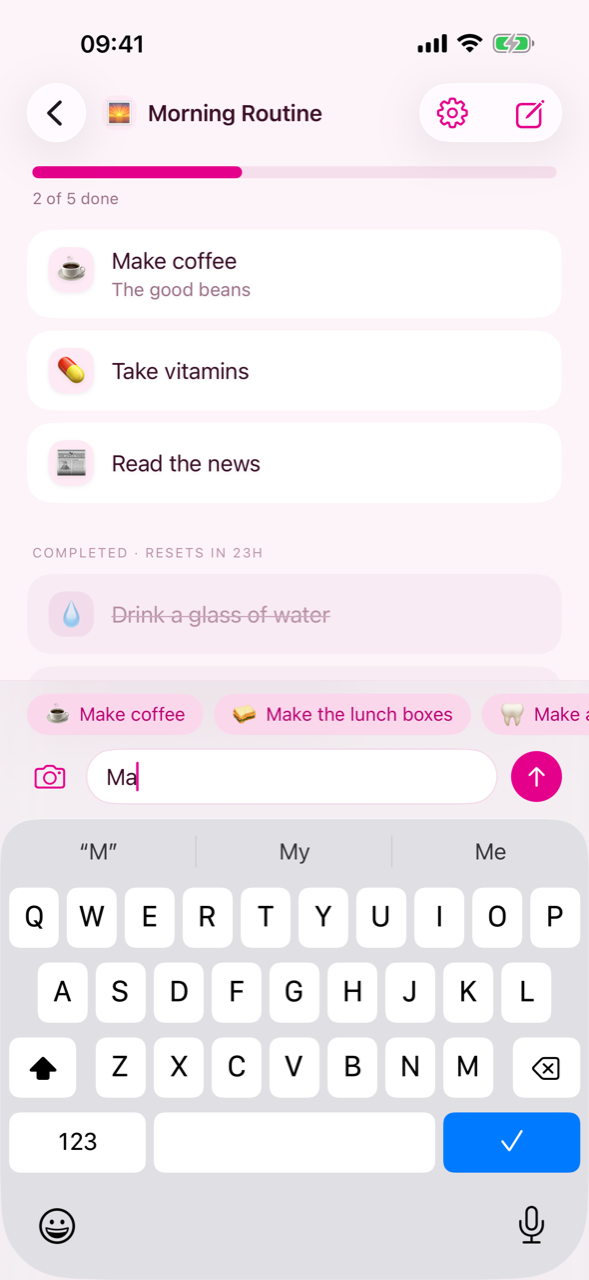
A list decides how it looks — rows, or a grid of cards, with a progress bar or without — and whether it keeps itself in a sensible order. It decides what happens next, too. A routine can put its ticked-off items back after a day. A shopping list can clear itself out. A packing checklist can stay exactly as it is until the next trip. Both of those windows start switched off, so a new list does nothing behind your back until you ask it to.
Share a list with someone and you both add, tick off and delete on the same list. A list nobody shares never leaves your own devices.
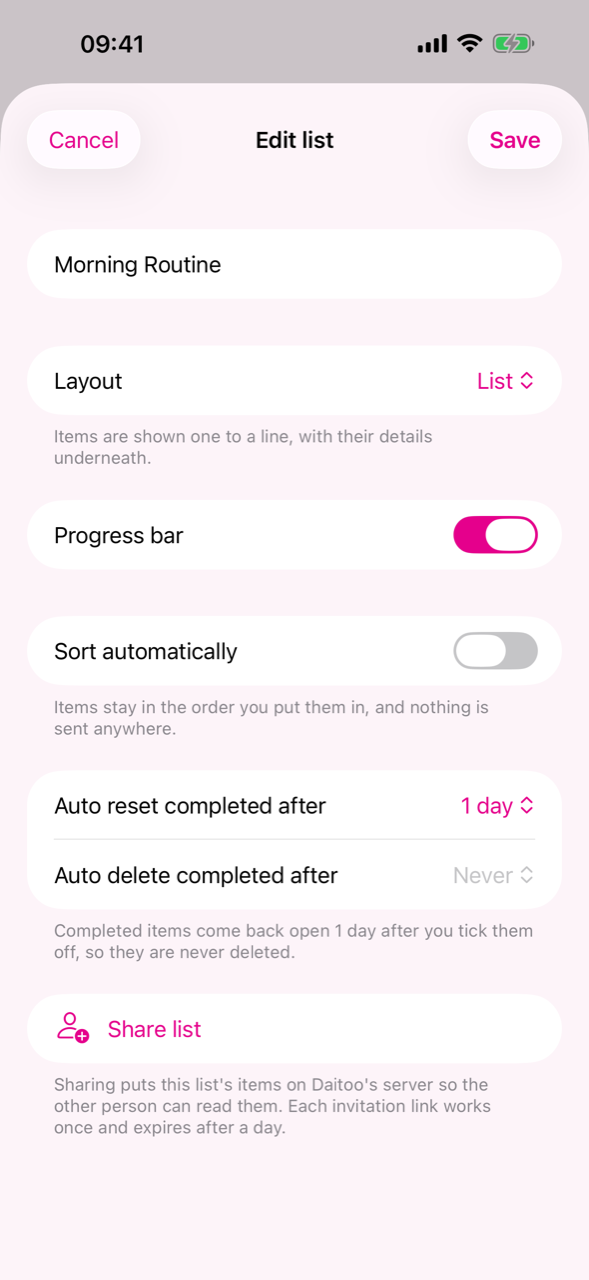
Everything Daitoo does. Writing lists is free; three things are not, and they are the ones under Daitoo Pro.
Daitoo is free to use, and paid to configure, to photograph into, or to fill past five lists. Everything else stays free — writing items, ticking them off, the emoji, the phrases it remembers, and sharing a list with somebody.
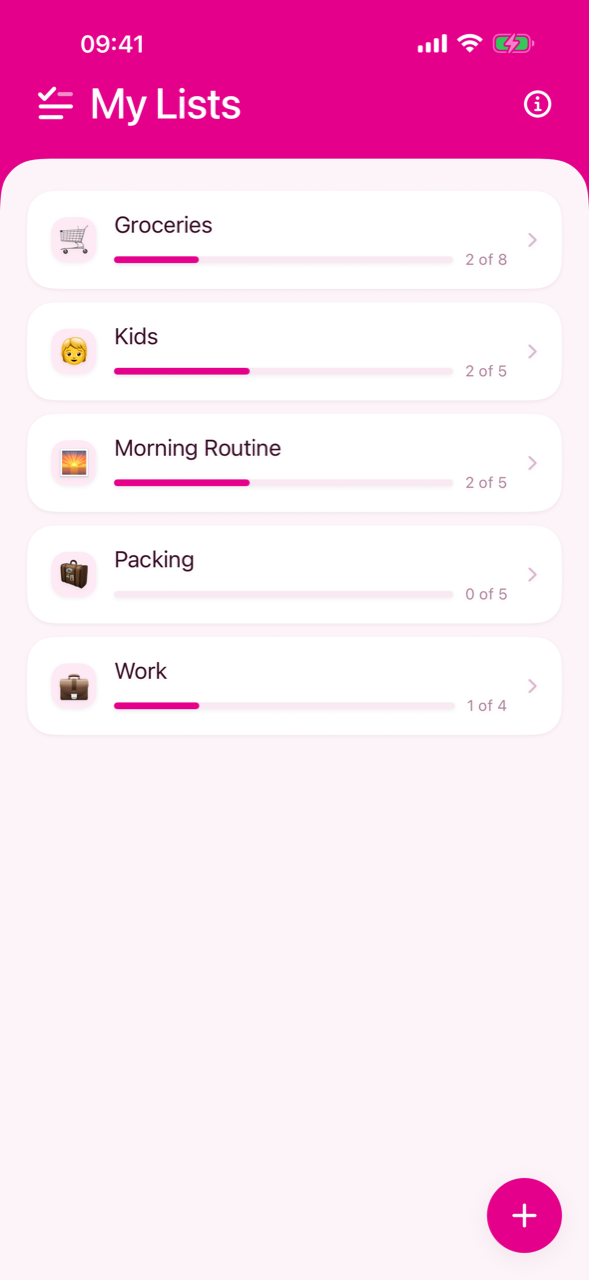
The app as it looks on a phone. Android visitors are shown the Android build.
Questions, bug reports or an idea for the app — write to me and I will get back to you.
